
Time Tracker Pro
Time Tracker Pro
Clock in/out with GPS and weather context, attach photos & materials, view calendars and dashboards, export PDF/CSV, and sync privately with iCloud — across iPhone, iPad, widgets, and Apple Watch.



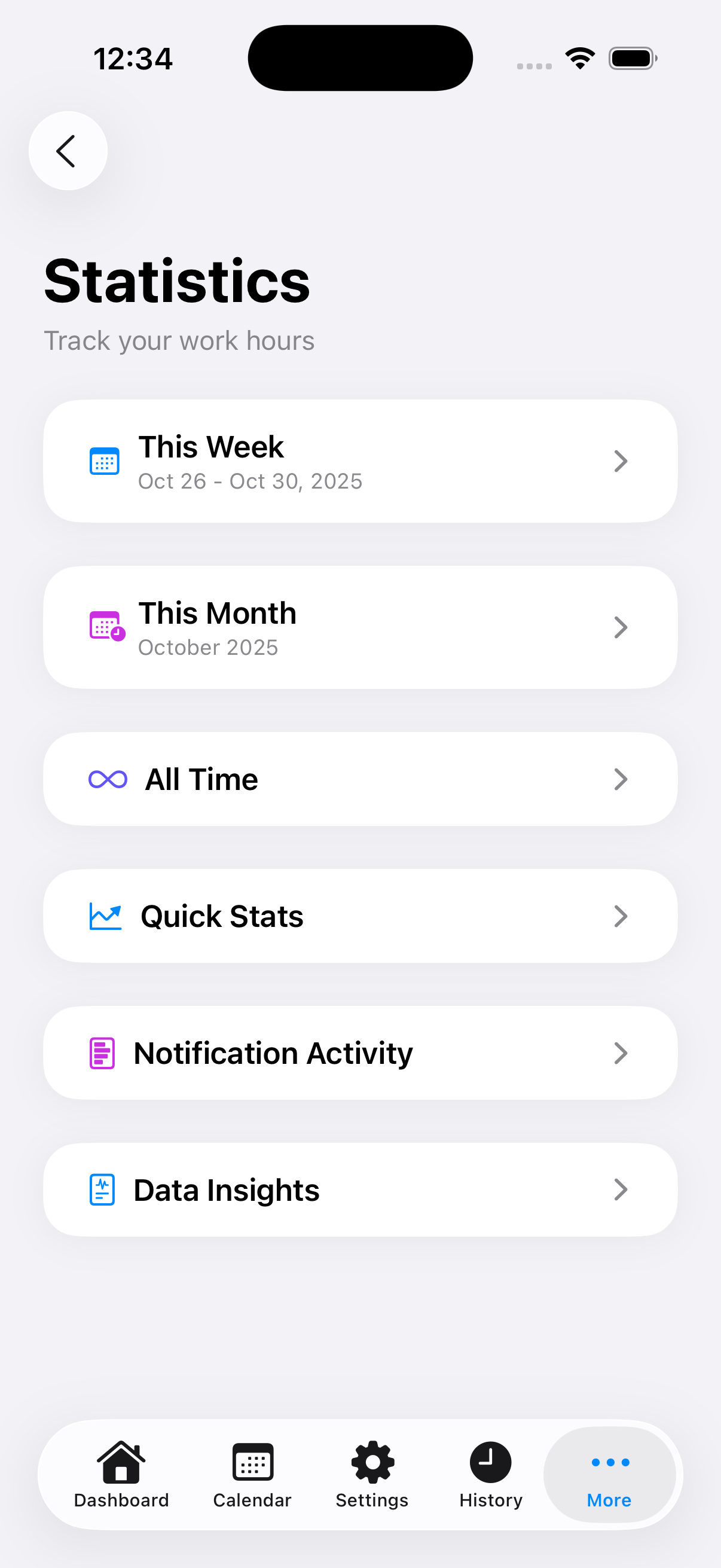

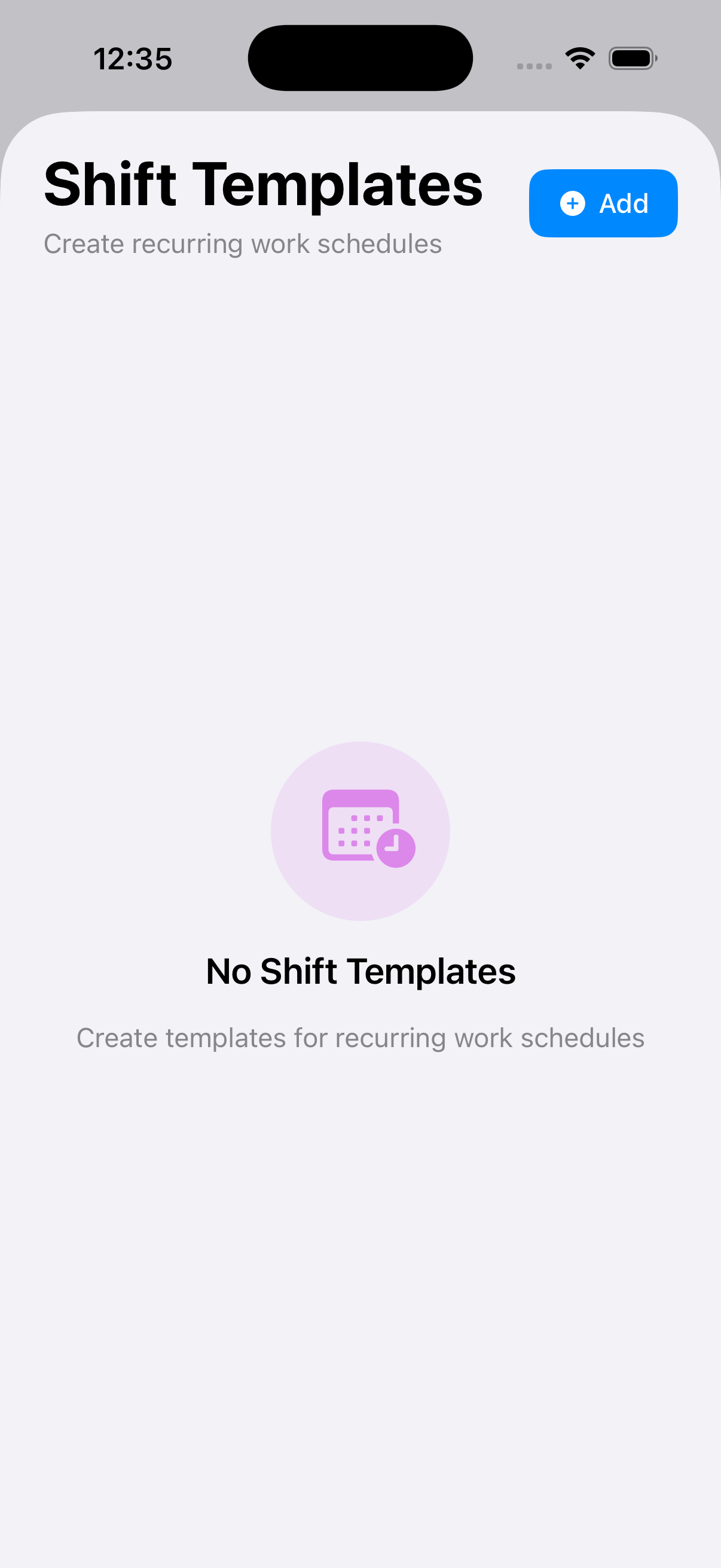
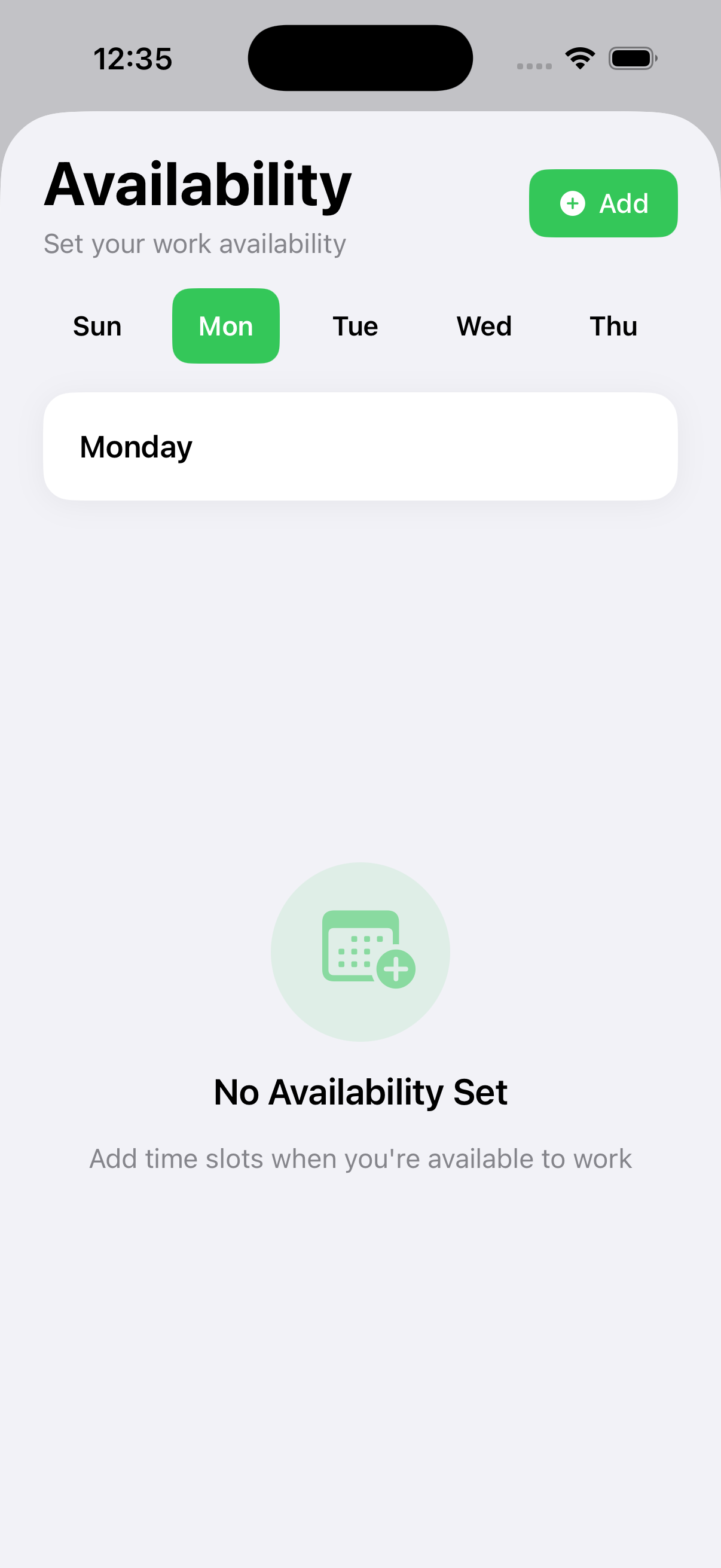
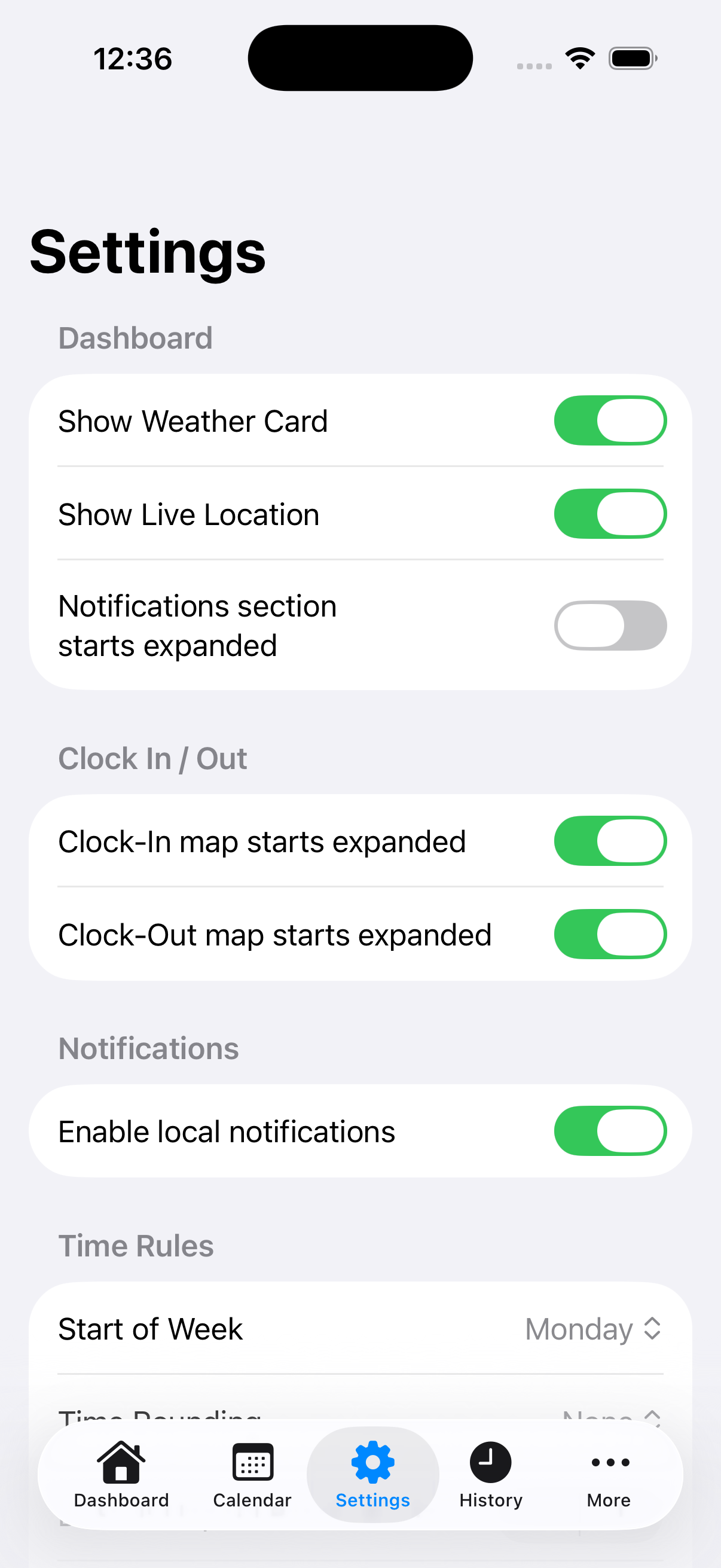
Everything crews need — nothing they don’t
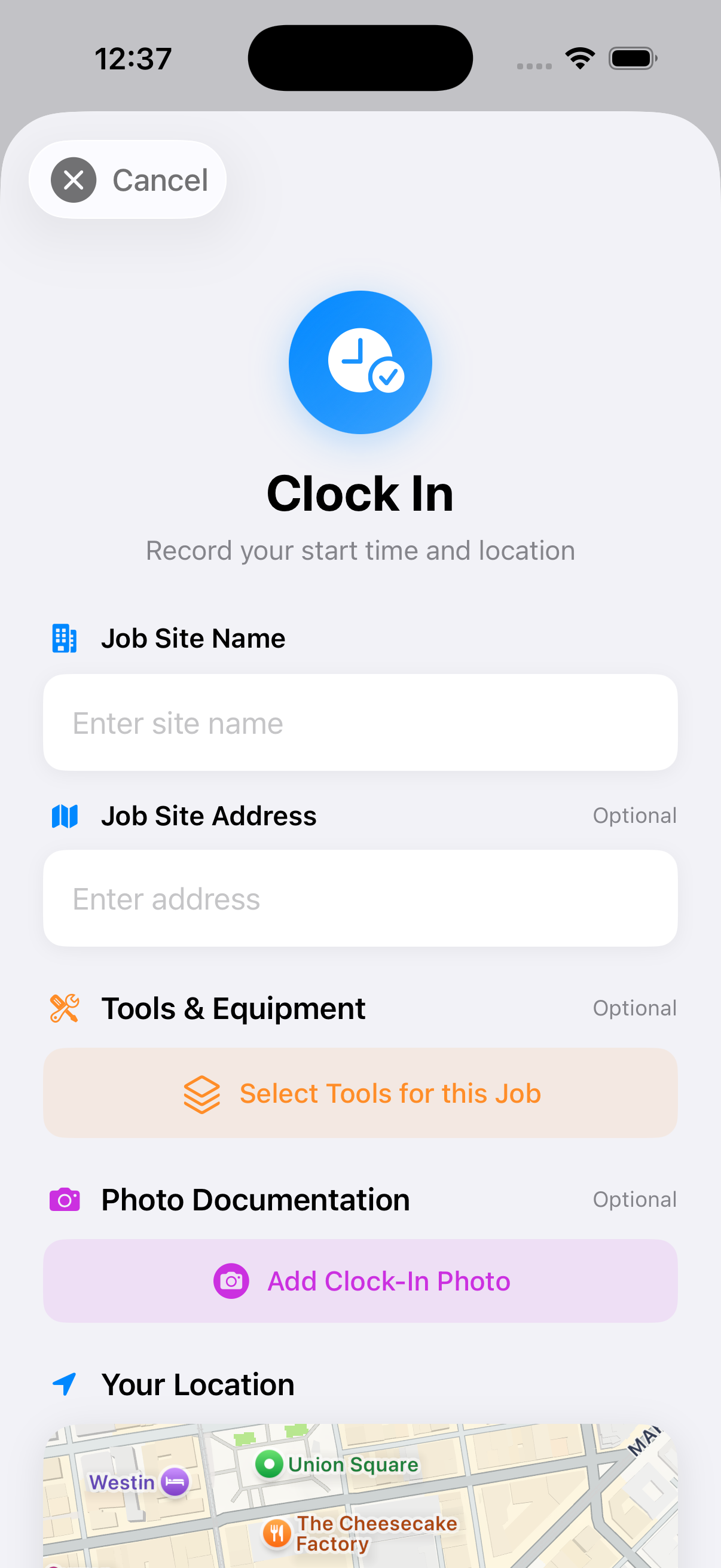
Clock in/out + GPS
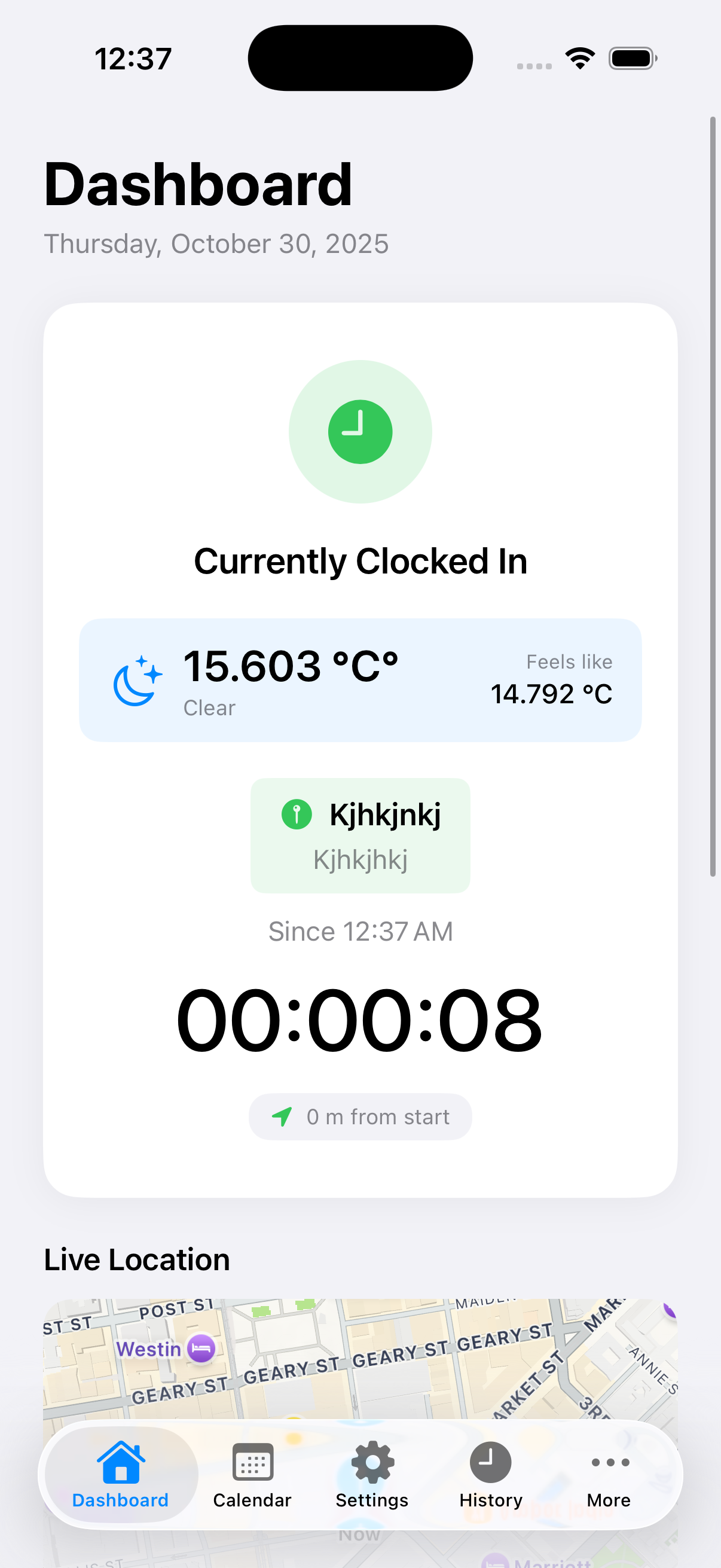
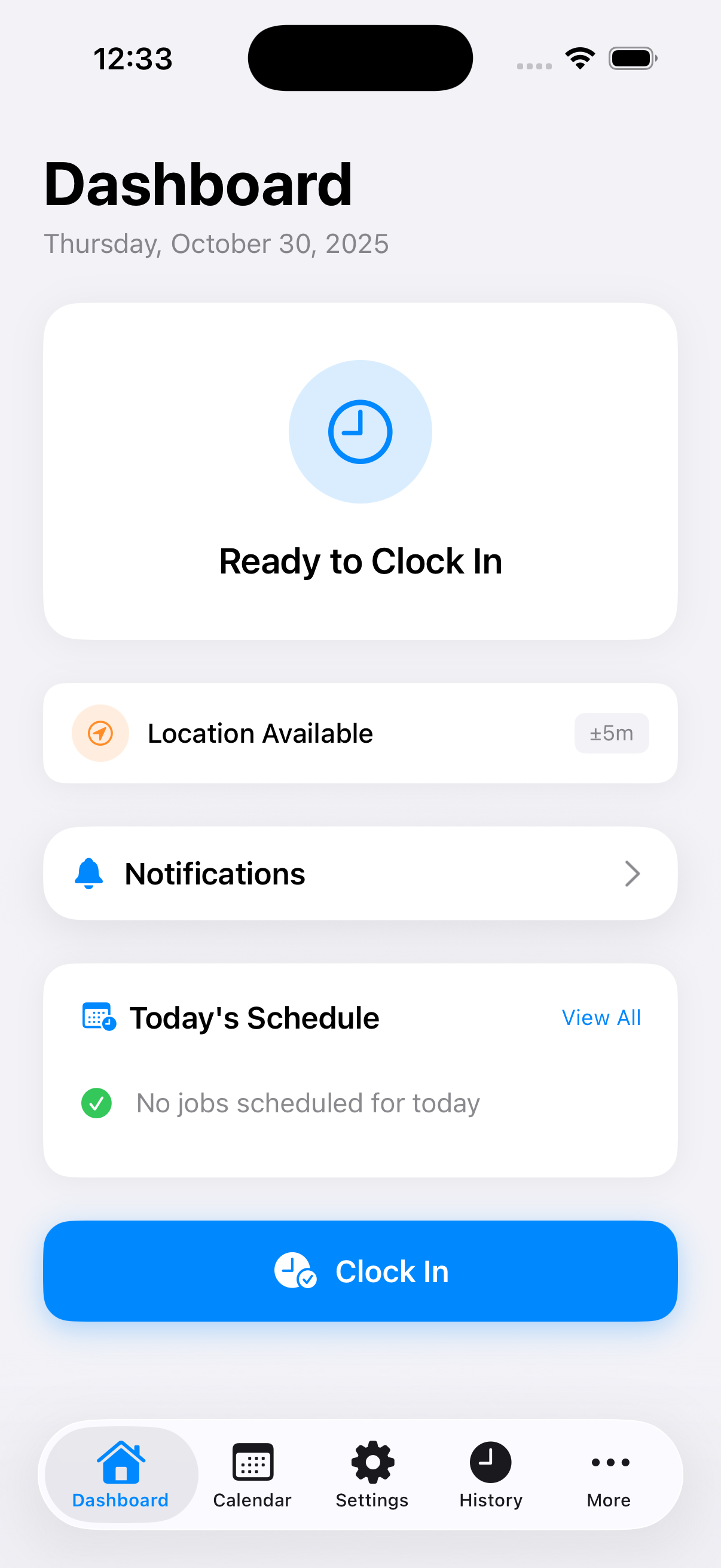
One‑tap time tracking with automatic GPS capture at clock in/out and a map to show where work happened.
Weather‑aware entries
WeatherKit logs current conditions and “feels like” at the job site — ideal for documenting delays and safety.
Notes, photos & materials
Attach site photos, add materials, and record what was done so office and clients have clear proof of work.
Calendar view
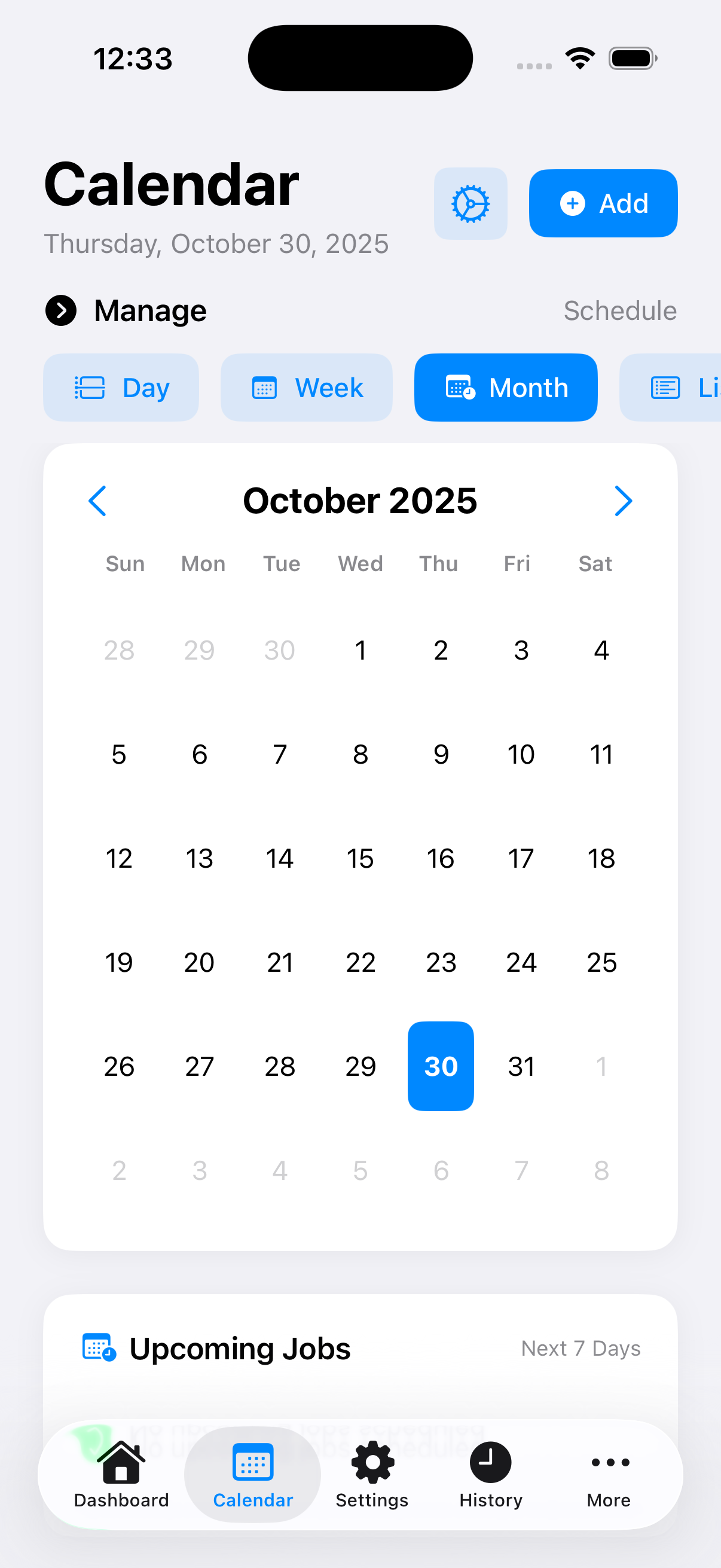
Pull in events to coordinate crews and confirm upcoming jobs. Keep everything in one place.
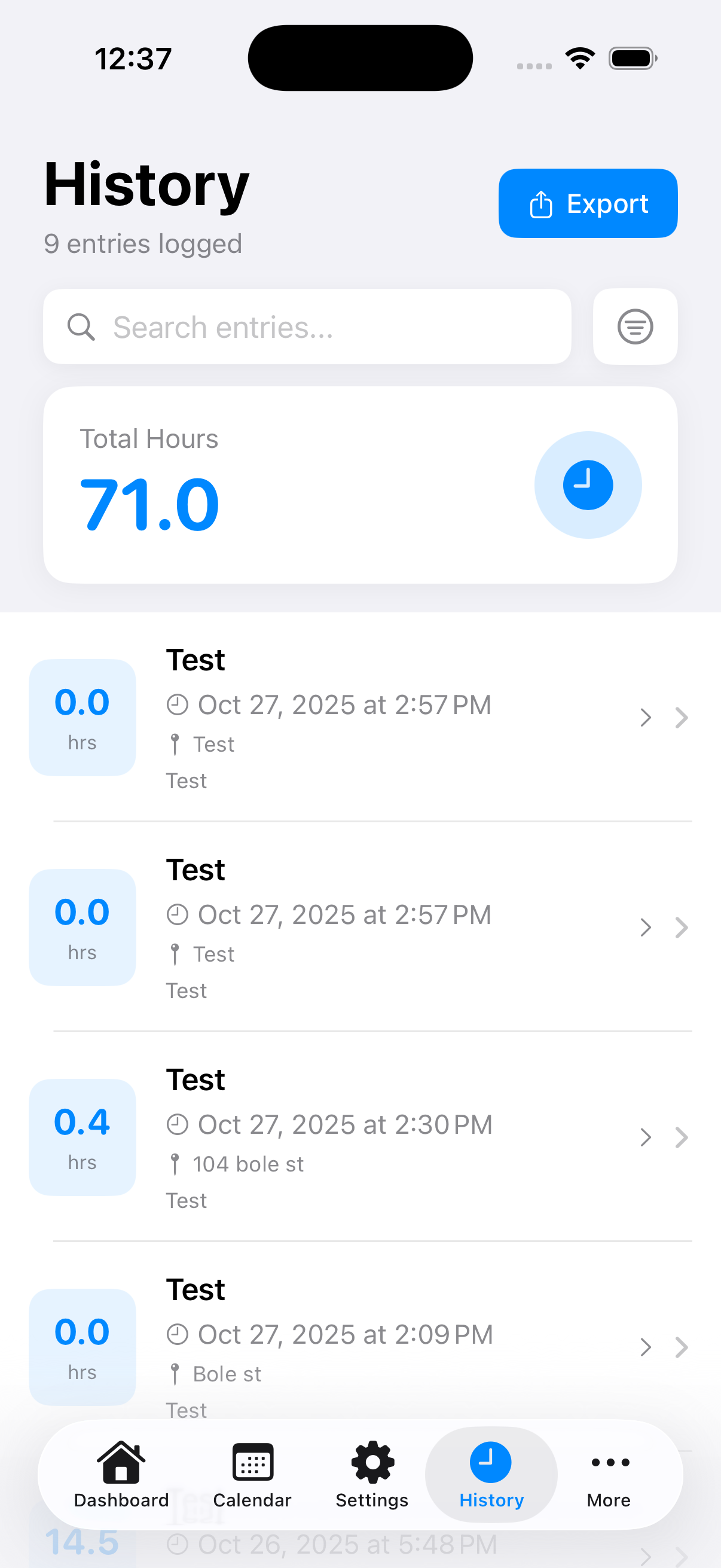
Dashboards & search
Spot trends by day/site, see totals at a glance, and find entries by keywords, dates, job sites, or materials.
PDF & CSV exports
Generate branded, letter‑size timesheets and spreadsheet‑ready CSVs for invoicing and reporting.
Widgets & Live Activity
See your active timer on Lock Screen/StandBy and jump back into the app with a single tap.
Apple Watch companion
Clock in/out from your wrist, view today’s hours, and keep your iPhone and Watch in sync.
Why Time Tracker Pro?
Paper timesheets and scattered photos slow jobs down. Time Tracker Pro puts everything in one place — hours, location, weather, photos, materials, and schedules — so your crews can focus on work and your office gets clean, defensible records.
- Cut admin time with one‑tap clock in/out and automatic context capture.
- Win disputes with GPS maps, weather, and photo proof attached to every entry.
- Invoice faster using PDF/CSV exports that match your pay periods and cost codes.
- Scale easily across iPhone, iPad, and Apple Watch with CloudKit sync.
Feature deep‑dive
Job‑site context (automatic)
When you clock in/out, the app records GPS and live WeatherKit conditions — temperature, feels‑like — and pins them to the entry. No extra taps, no extra work.
Smart notes & attachments
Add notes, materials, and multiple photos to capture progress, deliveries, and unexpected work. All are exported with your reports.
Power filters & search
Filter by date range, job site, or keyword to find exactly what you need. Perfect for T&M, change orders, or audits.
Dashboards that matter
Hours by day/site, top jobs, and trends help you plan manpower and spot issues before they cost you.
Calendar alignment
Pull in events so foremen and crews stay aligned on upcoming work and site requirements.
Export your way
Create branded, letter‑size PDFs for clients and detailed CSVs for accounting. Share via Mail, Files, AirDrop, or your DMS.
Widgets & Live Activity
See your timer on Lock Screen or StandBy, and jump back into the app without hunting for it.
Apple Watch companion
Clock in/out on site with gloves on — it’s that quick. Your status stays in sync with iPhone.
Made for every role on site
For Foremen
- Clock crews quickly and attach proof as you go.
- See distance from clock‑in and current conditions.
- Export daily/weekly summaries for the office.
For Journeymen & Apprentices
- Simple, reliable time tracking — one tap in/out.
- Attach photos and materials to protect your work.
- Works offline; syncs when you’re back on signal.
For Office & PMs
- PDF/CSV that match your pay periods and jobs.
- Searchable history with maps and weather context.
- Private iCloud sync — no vendor lock‑in.
Real outcomes you can expect
- 25–40% less time spent on timesheets and chasing info.
- Cleaner invoicing with fewer disputes thanks to GPS + photo + weather proof.
- Faster approvals with shareable, branded PDF reports.
- Better planning using dashboards to see trends early.
Privacy & security by design
Time Tracker Pro uses Apple’s frameworks and your Apple ID to keep your data safe and under your control.
- CloudKit (iCloud) — private DB per Apple ID; we don’t run our own data servers for your logs.
- Explicit permissions — Location, Calendar, and Notifications are optional and can be changed anytime.
- No ad tech, no selling data — just the tools you need to work.
FAQ
Will it work without signal?
Yes. Entries save locally first and sync to iCloud when connectivity returns.
Can I export by job or date range?
Absolutely. Filter by site and dates, then export PDF or CSV for exactly that slice.
Does it track me all day?
No. Location is captured at clock in/out for context — not continuously in the background.
Get your time back
Streamline timesheets, protect your crews, and ship clean paperwork — all from your iPhone, iPad, and Apple Watch.
See it in action Questions? We can helpIn action
Browse the live screens inside the iPhone frame above — they rotate automatically. You can also tap to advance.
Built for the trades workforce
- Foremen: Coordinate crews and verify on‑site progress with location and weather context.
- Journeymen & apprentices: Log hours and proof in seconds — less admin, more tools‑on time.
- Office & PMs: Clean exports and search make billing and reporting straightforward.
Under the hood
SwiftUI
Modern UI across iPhone, iPad, and watchOS.
CoreLocation & MapKit
Accurate GPS and site maps.
WeatherKit
Conditions & feels‑like linked to entries.
WidgetKit & Live Activities
Glanceable status and control.
CloudKit & App Groups
Private iCloud sync and widget sharing.
PDF/CSV
Office‑ready exports.